Read and map the screenplay
Confirm the scene number, location, time of day, cast and exact dialogue. Record creator corrections beside the original script.
Keep as evidenceA scene brief and frozen scene number
 Silent NProductions
Follow the story from script and reference photographs through approved stills, generated performances, editing and final review. Then build the episode from accepted scenes.
Follow the Scene 15 test ↗Decide what the scene must tell us before making its images.
Confirm the scene number, location, time of day, cast and exact dialogue. Record creator corrections beside the original script.
Break the action into playable beats. Choose framing, timing, speaker coverage and transitions without compressing away story information.
Collect the approved character sheets, location map, props and native set photographs. Decide positions, sightlines and lighting.
A reviewed source image leads to a controlled performance.
Place the characters in the photographed set. Keep the room, faces, clothing, scale, hands and props consistent. Save the source and every version.
Compare each image with its references. Record specific changes and creator approval before spending on animation.
Attach the approved image and all relevant character sheets. Record the prompt, references, model, duration, format, job and downloaded result.
Generation produces takes. Editing and review produce a scene.
Check acting, lips, hands, movement and continuity. Keep rejected takes. Cut accepted coverage into story order in Resolve.
Check every spoken line, voice and transition. Balance dialogue, ambience and effects; match colour and remove generation defects.
Watch the complete scene, record the creator’s decision and export the accepted version. Keep the final separate from review copies.
A planned 25-second test in the built sitting room: the opening exchange, a gentle lean and the tablet set aside. Cameroonian English, quiet room sound and no score.
The first character still is ready. Technical review requests a cup-count correction before animation. Creator approval is pending; no new video has been submitted.
Source photographs → Story still → Video → Final ↗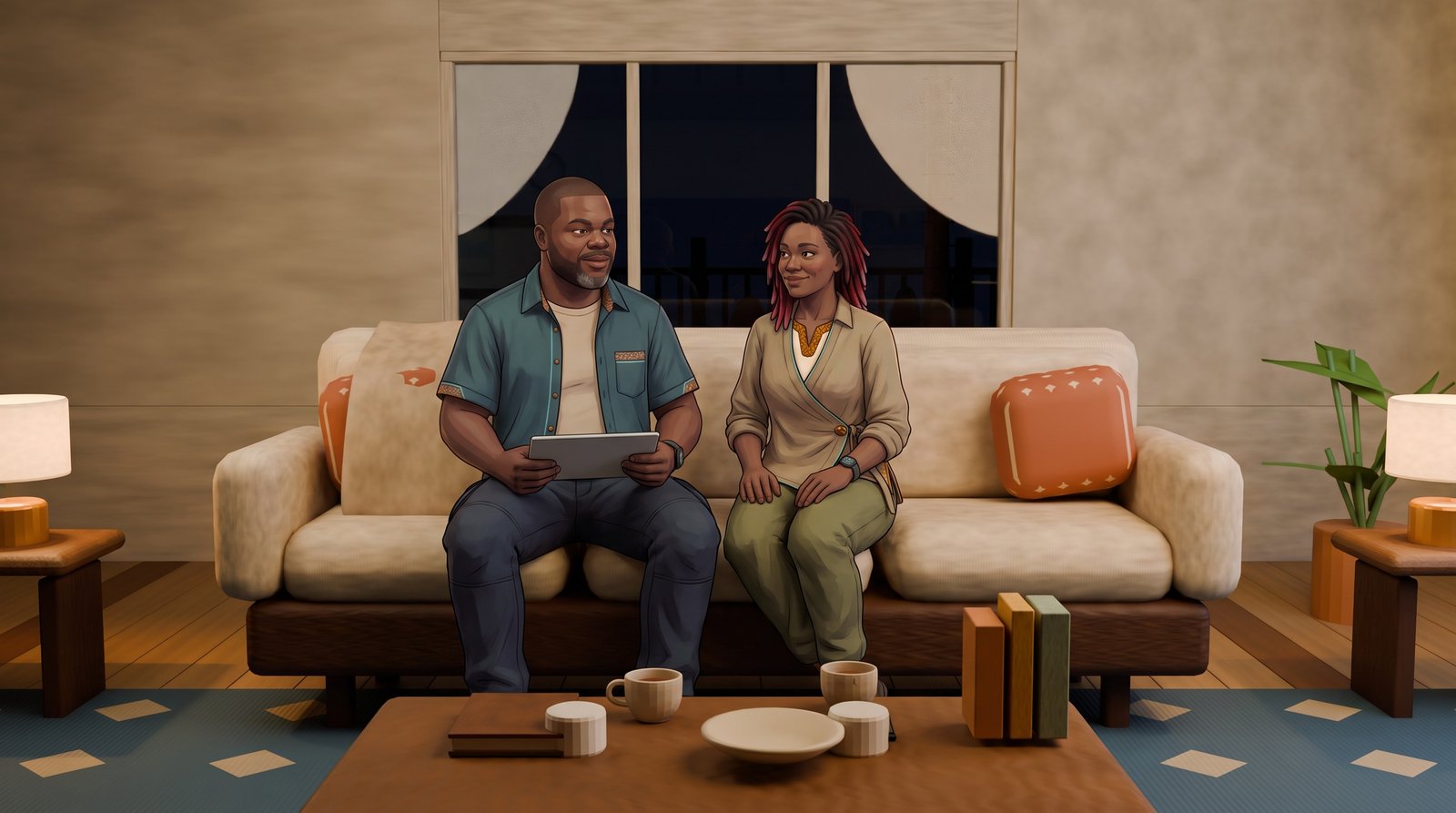
Bring accepted scene masters into screenplay order. Check pacing, transitions, missing coverage and continuity across the whole episode.
Match voices, sound levels, ambience and picture. Add approved titles and credits, then review the episode end to end.
Record episode approval, export the delivery master and check playback. Archive the final, project, references and production history together.
Room and compound design reviews stay in the gallery and Areas. This page follows scene development and episode delivery. Approvals and editing remain in the protected review workspace.